Monitoring your Strategy
Monitoring via Alpaca
To stay updated on your trading algorithms, you can monitor the Alpaca dashboard. While the dashboard provides a good overview of your trades, it won’t show details about errors or edge cases. For that, you’ll need to refer to the Cloud Logs for more comprehensive information.
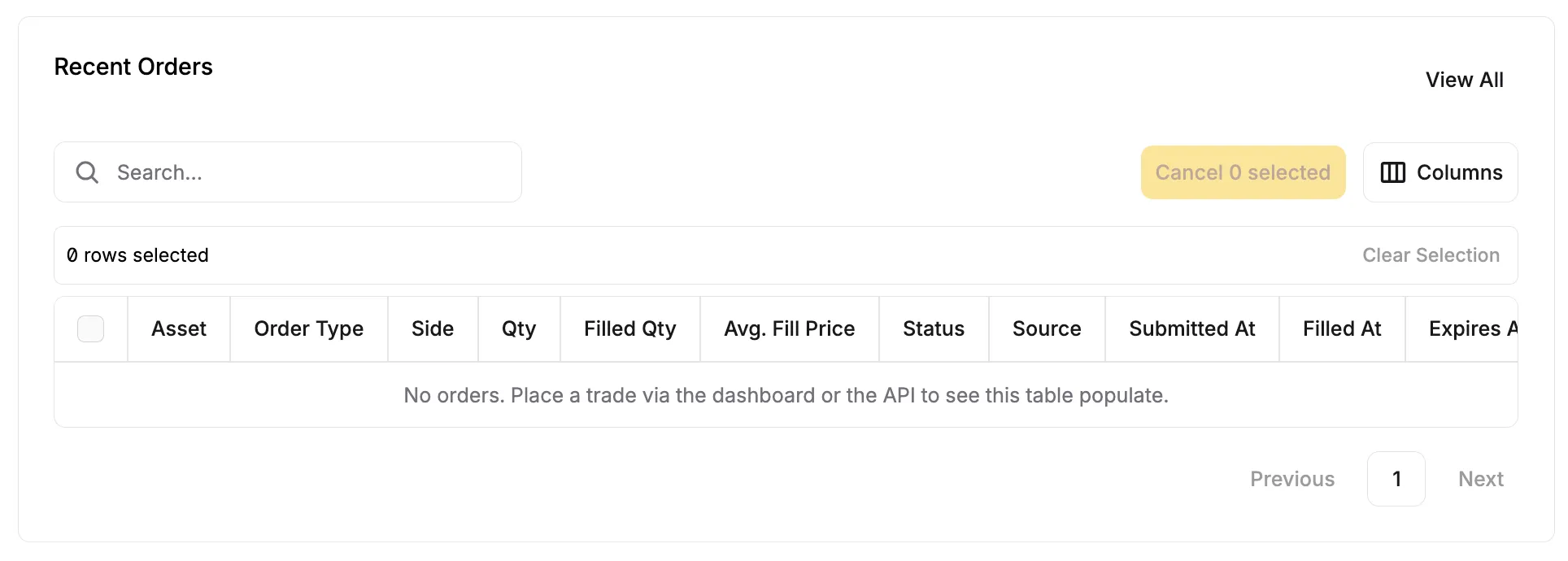
You can view your recent trades directly on the main Alpaca dashboard, under Recent Orders:
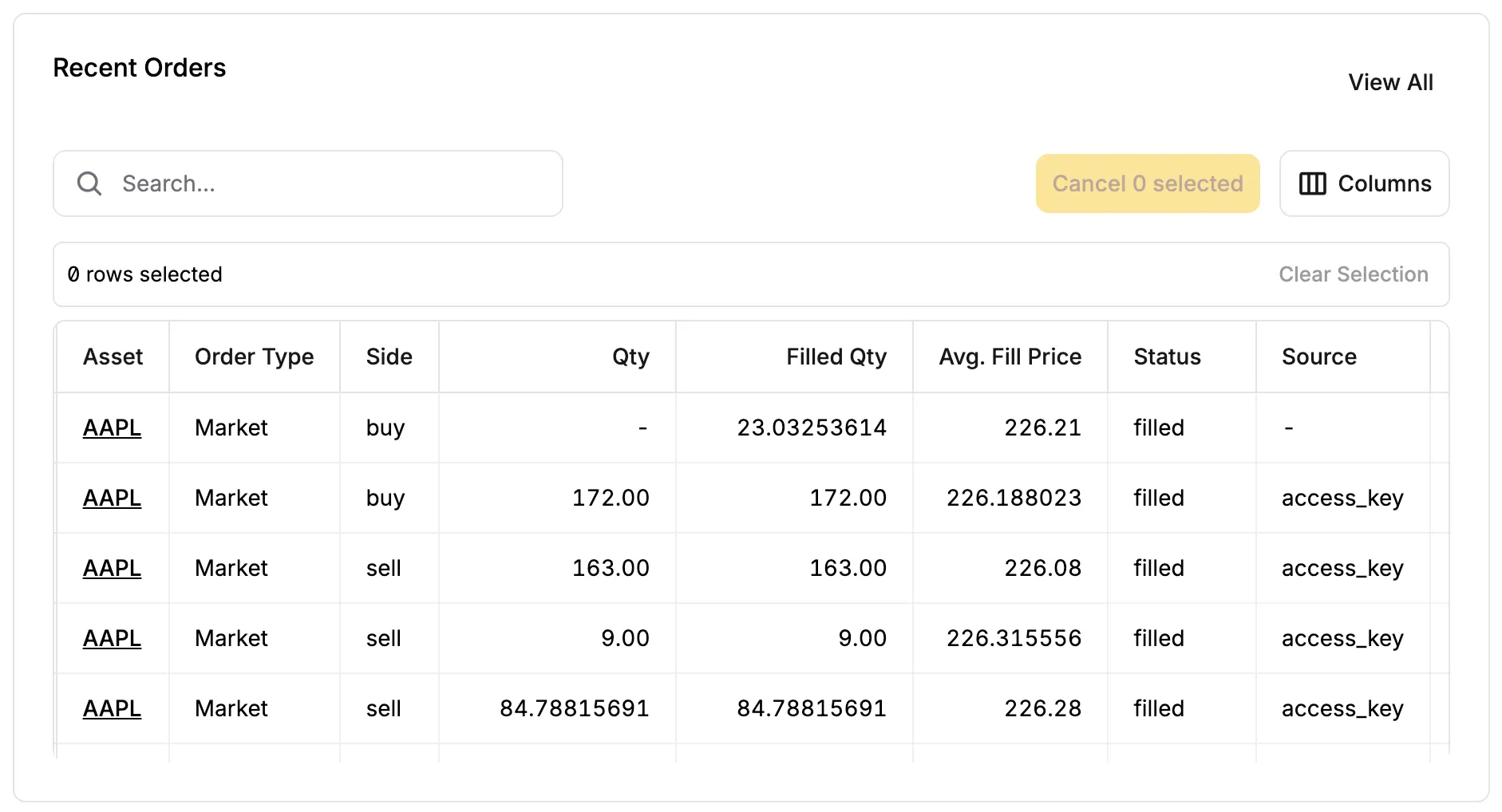
After you’ve placed a couple trades, algorithmically or otherwise, you will start to see those trades populate the dashboard:
Monitoring via Google Cloud Logs
On the homepage of your cloud-deployed script, navigate to the Logs tab.

Here, you’ll find a series of logs related to your function’s execution and trading activity.
uBacktest attempts to track detailed information, including:
- Errors and warnings
- Descriptions of executed trades
- Updates on equity, portfolio, and cash balances
Here’s an example of Google Cloud logs:
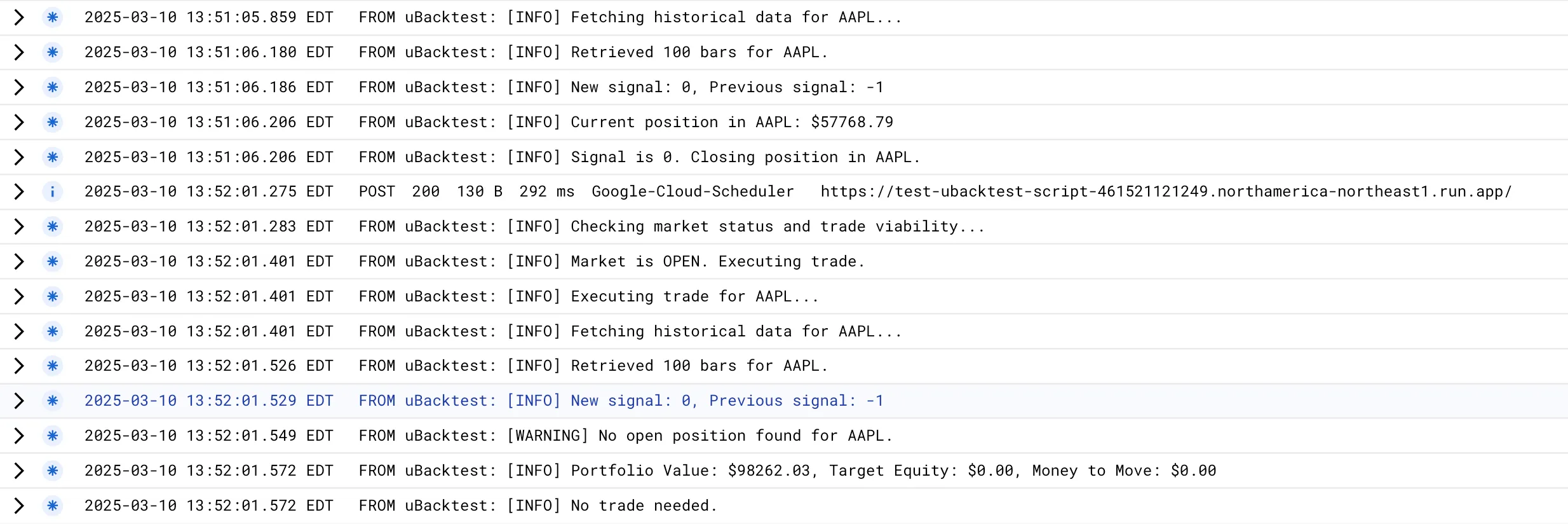
Notice the log entries related to buy/sell signals, as well as additional info and warnings. These details are helpful for tweaking your strategy based on real-time feedback.